Building a File-System Markdown Blog with Next.js and Canvas
A deep dive into how we built Oyster's file-system-based Markdown blog without a database or CMS.
The Vision: Functional and Developer-Friendly
When setting out to build the Oyster blog, we had a few key requirements:
- No database or heavy CMS: We wanted to write posts in plain Markdown right in our code editor.
- Static generation: Fully statically generated at build time.
- Automated branding: Social media preview images should generate themselves.
- Zero duplicate data: A single source of truth for all content and metadata.
Here is a look under the hood at how all the moving parts come together to form our modern, minimalist blog architecture.
The Architecture: Next.js App Router & Static Generation
We built the blog using the Next.js App Router. By leveraging Node's fs to read files directly from the directory and combining it with generateStaticParams, the entire blog is pre-rendered into static HTML during the build process.
Our routing structure is simple and clean:
/app/blog/[slug]/page.tsx
We bypassed external JSON registries or databases. Instead, our utility scripts use Node.js fs.readdirSync to dynamically crawl a local posts/ directory on the server whenever a build is triggered. The generateStaticParams function maps over these discovered folder names and returns an array of slug parameters to the Next.js router. Next.js then calls getBlogPostBySlug(slug) for each post, parsing the markdown and converting the content to static HTML.
A Folder-Based Naming Convention
Every post lives in its own folder named by date and slug, such as posts/2026-04-09-how-we-built-our-blog/README.md. A custom parser reads the file using fs.readFileSync and extracts data sequentially. Instead of relying on a YAML frontmatter parser, we wrote a lightweight script that reads the file line-by-line, lifting the first # Heading as the title, and identifying pseudo-frontmatter like Author:, Tags:, and Description:. The remainder of the file is handed off to be rendered via Markdown tooling (in our case, react-markdown).
Centralized Authors
To avoid typing out author bios and details in every single Markdown file, we maintain a lightweight authors.ts dictionary in our codebase. A post only needs to specify Author: frankudoags, and the blog engine looks up the key in the dictionary, injecting the full profile and bio into the page layout at render time.
Automated OpenGraph Images with @napi-rs/canvas
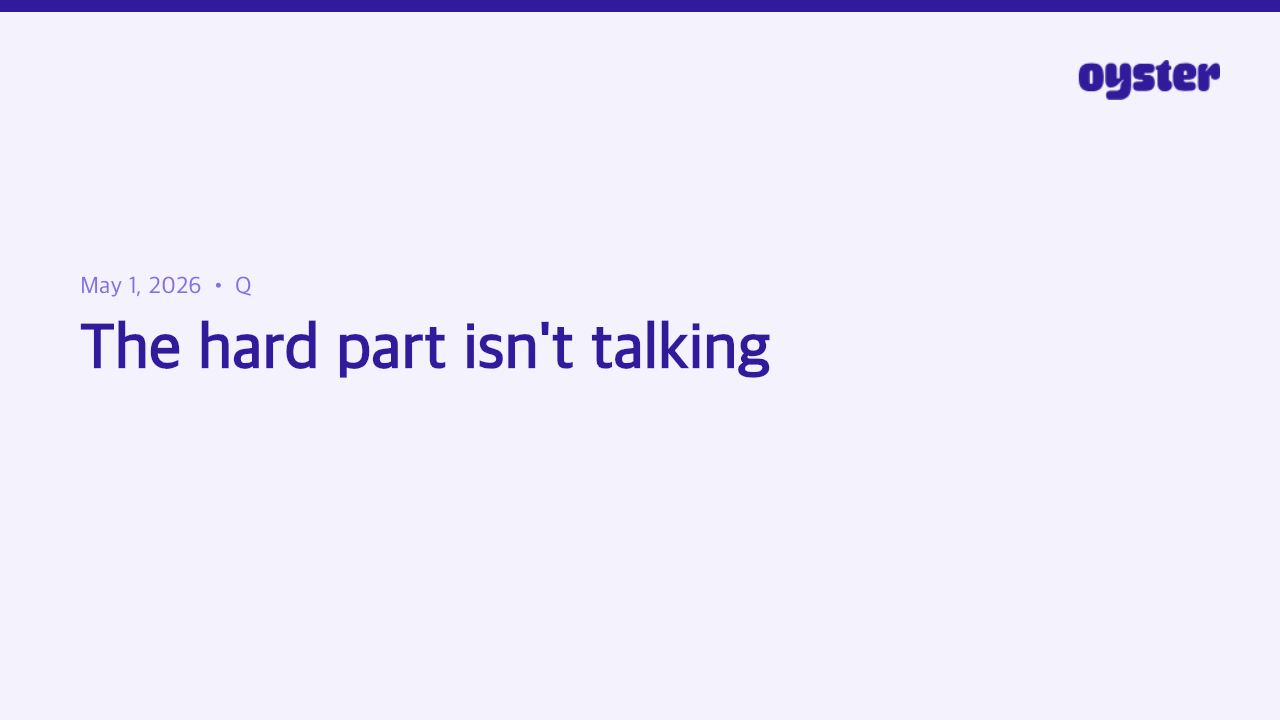
One of the most tedious parts of publishing a blog is creating personalized social media preview images (OpenGraph images). We built a custom Node script (generate-social-image.ts) that automates this entirely.
When we run npm run regenerate-all-social-images, the script:
- Crawls the
posts/directory. - Uses
@napi-rs/canvasto paint an off-screen canvas mimicking the Oyster brand style. - Dynamically loads our
nav-logo.svg, recoloring its vectors on the fly to match our primary brand colors. - Renders the post title, author, formatted date, and a stylized URL.
- Saves a 1280x720
.pngto our Next.jspublic/blog/output folder for social sharing.
Built-in Validation with Husky
Because we don't have a CMS GUI warning us if we forget a required field, we built a custom script: validate-blogs.ts. We configured Husky to run this script as a Git pre-commit hook.
When a developer runs git commit, Husky intercepts the command and executes npm run validate-blogs. The validation script iterates over every folder in the posts/ directory to ensure:
- The folder naming convention matches
YYYY-MM-DD-slug. - The
README.mdfile exists. - The required markdown headers (
# Title) and frontmatter variables (Author:,Tags:,Description:) are present.
If any of these conditions are violated, the script logs exactly what is missing and exits with an error code, aborting the commit until the post is fixed.
Standing on the Shoulders of Giants: OneUptime
While we are proud of our fully dynamic setup today, this entire architecture was heavily inspired by the open-source OneUptime/blog repository. In fact, our initial implementation—including the generate-social-image.ts script, the validate-blogs.ts script, and our directory structure—was directly adapted from their source code.
A huge thank you to the OneUptime team and their open-source contributors for paving the way!
Conclusion
By combining pure Markdown, Next.js static generation, Husky, and custom Canvas scripting, we've created a seamless blogging platform tailored exactly to our needs. It is easy to maintain and requires almost zero overhead to publish a new post.